A handy, simple-to-use color picker
Web developers and graphic designers know the importance of colors. They work with them on a daily basis, so they'll surely appreciate a tool like Instant Eyedropper.
Top Recommended Alternative

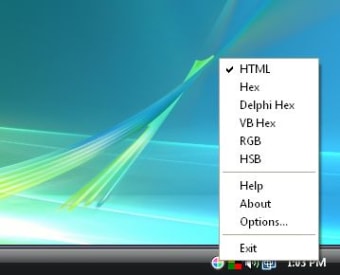
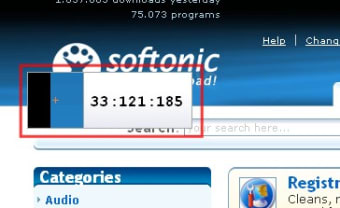
This color picker sits unobtrusively on the system tray, while you're concentrated on your work. Then, whenever you need to select a certain color on your screen or know its correspondent code, simply grab the program's icon with your mouse and drag it on top of that given color. A small window will show the code and copy it to the clipboard as soon as you release the mouse's button.
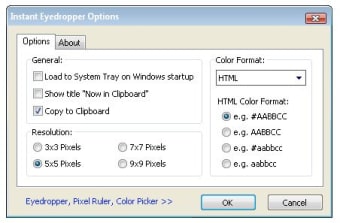
Instant Eyedropper supports several coding languages (HTML, Hex, Delphi Hex, VB Hex, RGB and HSB), but lacks the ability to store a bunch of selected colors in a palette, something that you can find in other similar tools.
With Instant Eyedropper you can select any color on your screen and copy its code to the Clipboard immediately, but not save those codes for later use.